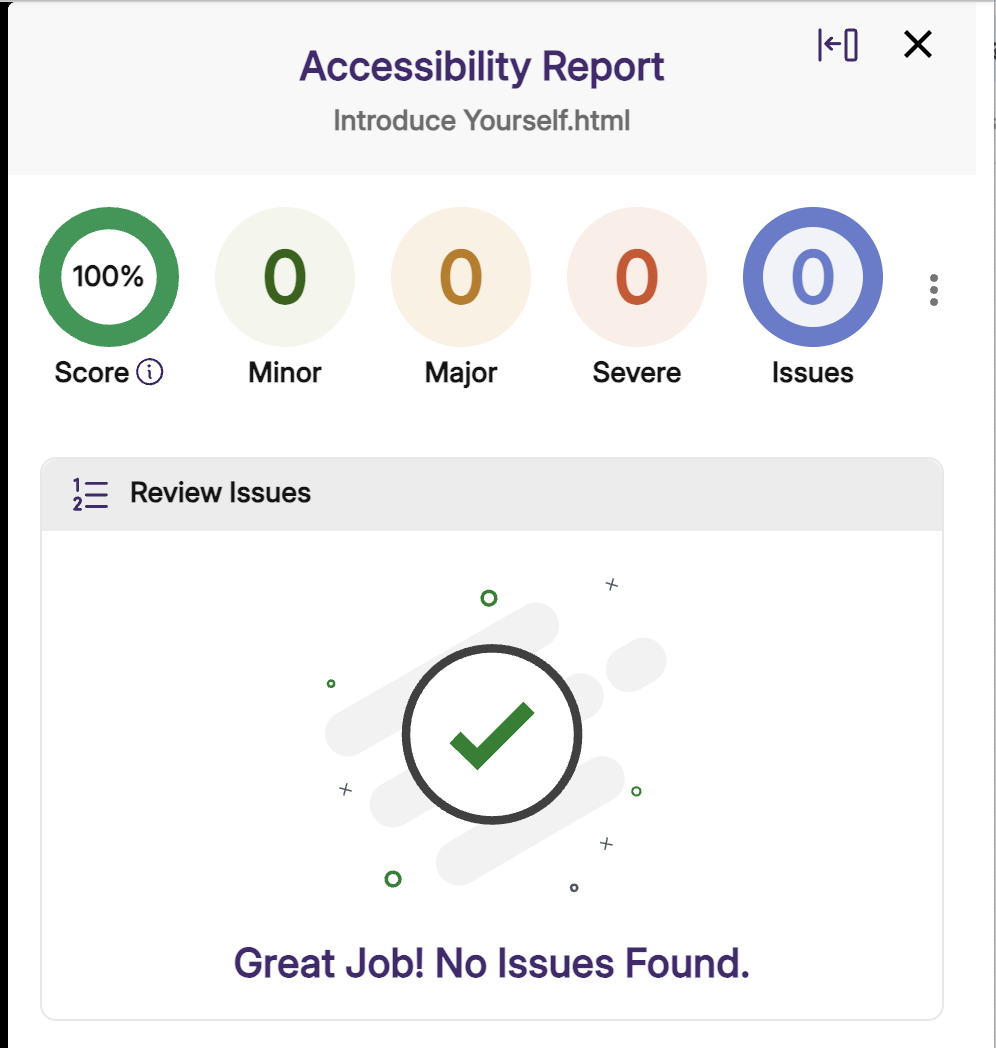
PennWest University introduced the web-based tool YuJa Panorama, a virtual accessibility tool that will allow faculty to provide broader access to materials in their academic environments for students with disabilities.
Availability of the tool was announced in an email on Friday, Jan. 26.
In order to train users effectively, a self-paced D2L training shell, “Accessibility and YuJa Training”, is available to all faculty and includes instructional resources on several tasks: Universal Design and inclusive course design fundamentals, Using YuJa Panorama inside D2L Brightspace, Improving accessibility in Microsoft Office files (Word, PowerPoint, etc.), and Creating and remediating accessible PDF documents.
Live virtual training sessions will be held throughout January and February to allow faculty to learn about common content accessibility issues and operating YuJa Panorama in D2L, with time dedicated to Q&A related to online content remediation. The first session will be held as a special first week introduction on Friday, January 23rd at 10:00 a.m. All other sessions beginning January 28th will be held every Wednesday at 3:00 p.m. and Thursday at 2:00 p.m.
Prior to attending training sessions, faculty are encouraged to register for a live demo if they are interested in a guided tour of the software and the chance to ask potential questions. The self-paced training shell will cover more than what will be covered in the sessions, as the sessions primarily discuss the use of YuJa Panorama inside D2L Brightspace.
The incorporation of the software into D2L Brightspace follows new, federal digital accessibility requirements. Integration will allow instructors to accommodate students’ course materials in a more manageable and efficient manner.